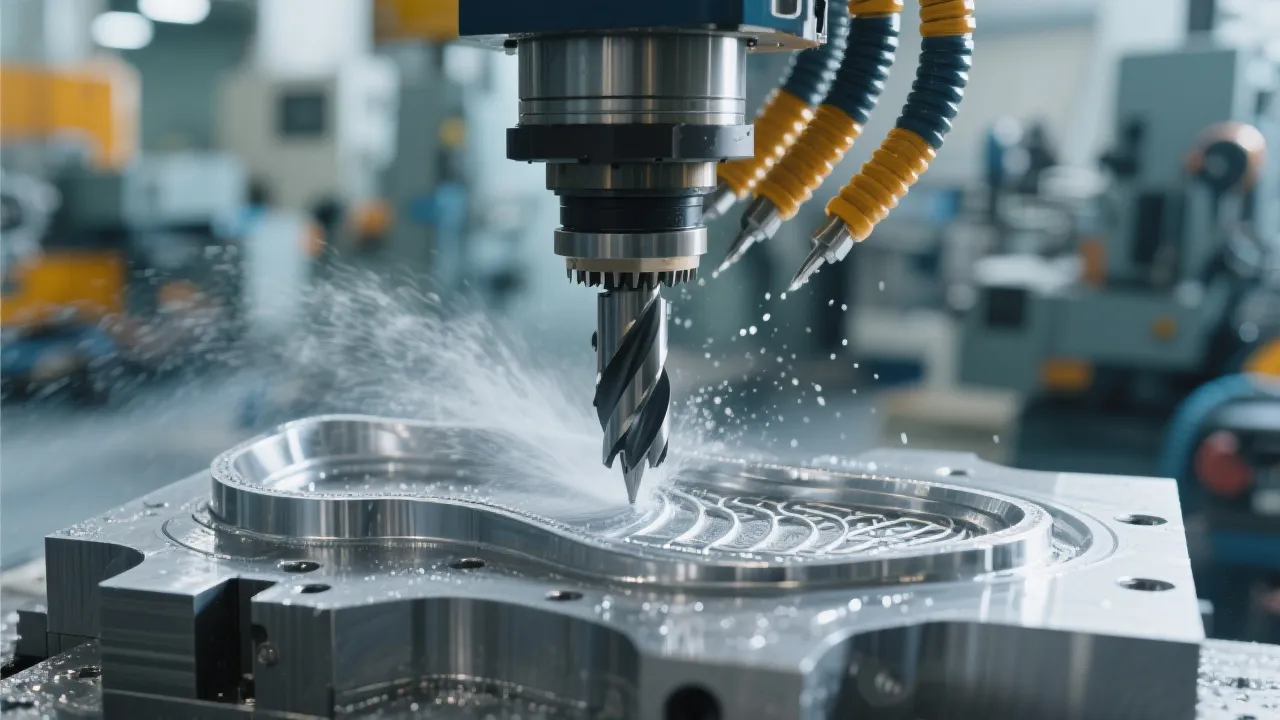
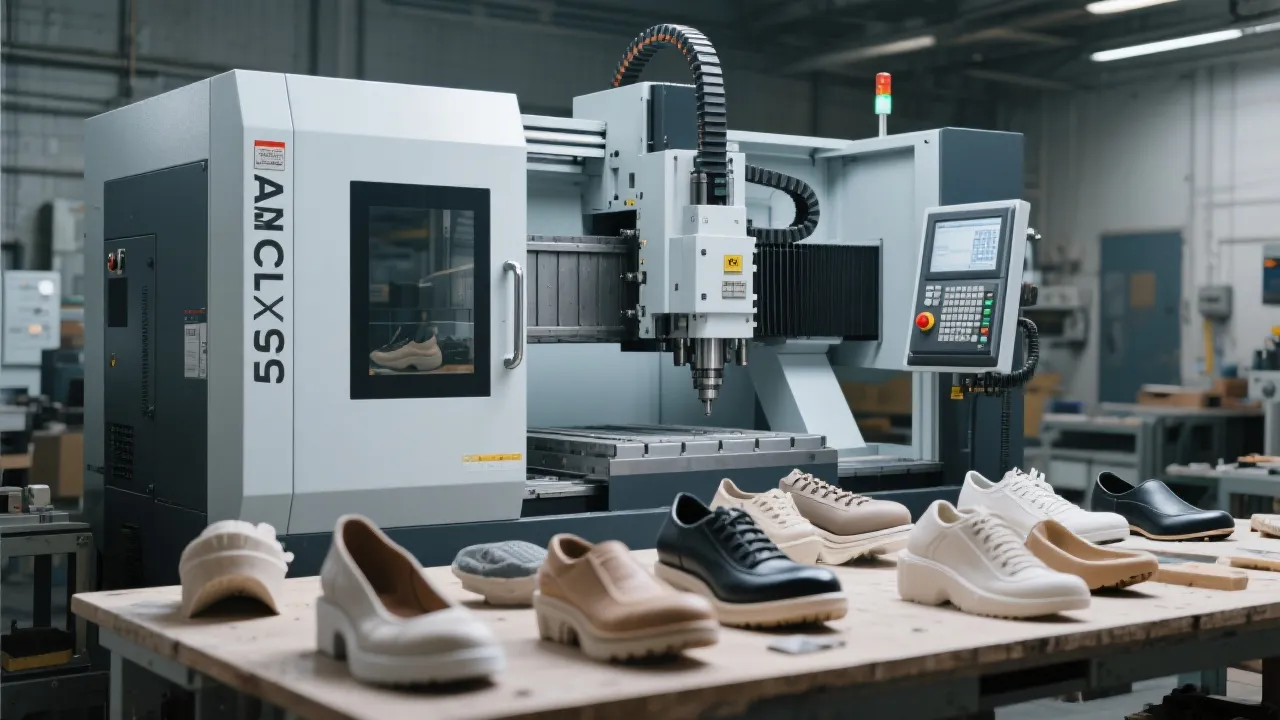
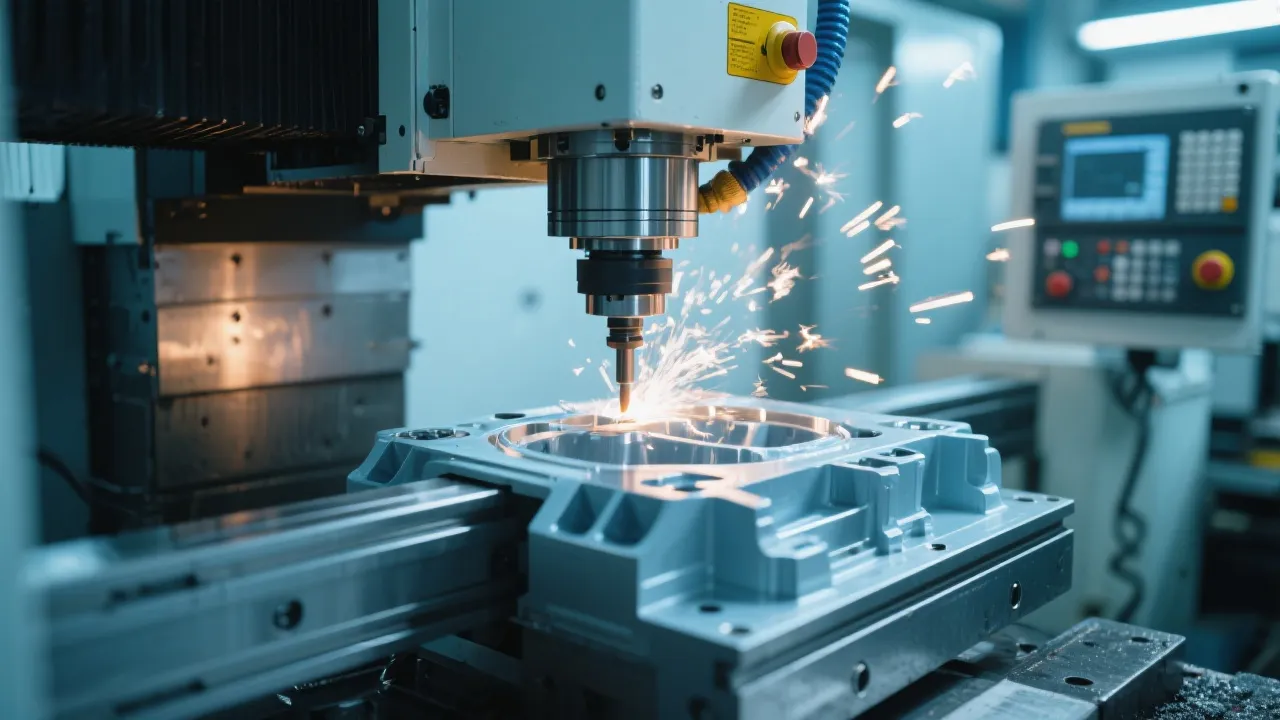
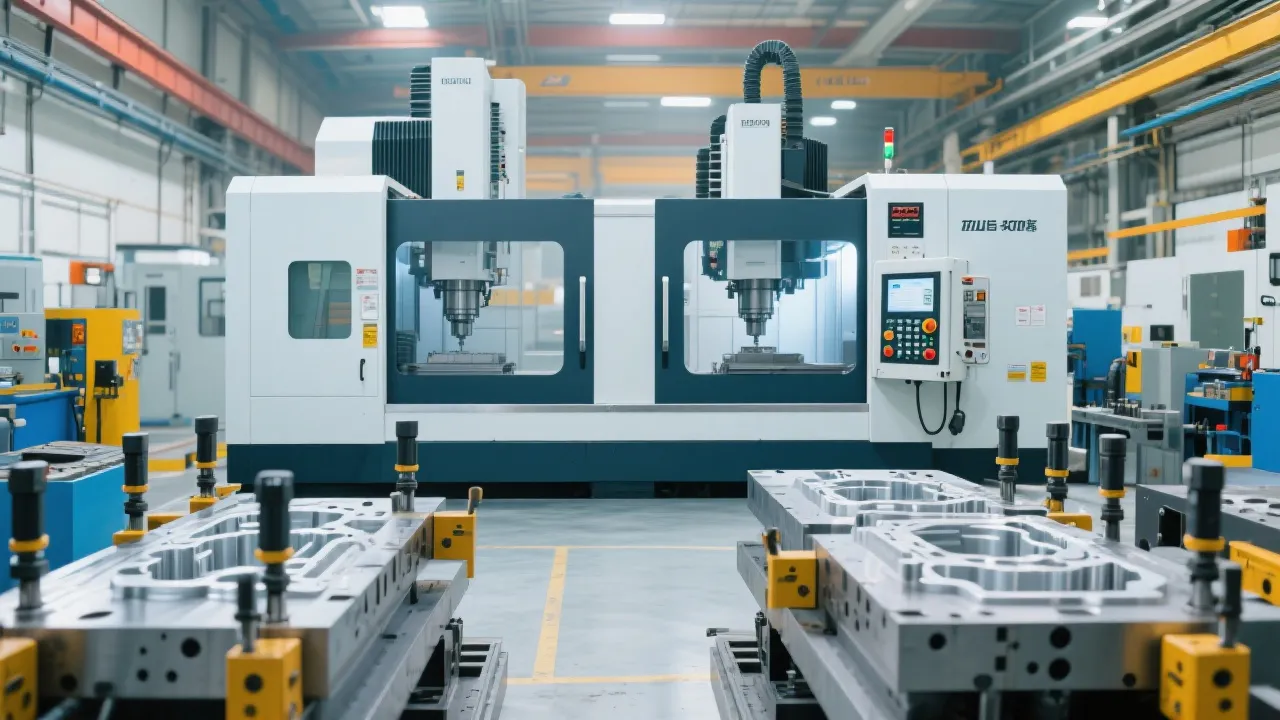
So you've just stepped into the world of CNC machining and been tasked with operating a BT40 spindle CNC milling machine like the DC1090A. The control panel looks intimidating, G-code seems like a foreign language, and you're worried about making costly mistakes. Don't worry—you're not alone. Industry statistics show that 68% of new CNC operators struggle most with setup procedures and basic programming during their first three months. This guide will walk you through everything you need to know to get up and running confidently.
Before you even think about cutting metal, mastering the startup sequence is critical for both safety and machine longevity. Begin by performing a visual inspection of the DC1090A work area—clear any debris, check that all emergency stops are functioning, and verify that the tool holder is properly secured. According to machine safety protocols, this pre-operation check reduces accident risk by 43%.
Power on the main switch located at the rear of the machine, then press the control panel power button. You'll see the system initialize, which typically takes 30-45 seconds. While waiting, confirm that the lubrication system is operational—look for the green indicator light on the control panel. A common rookie mistake is skipping this step, which can lead to premature wear on critical components.
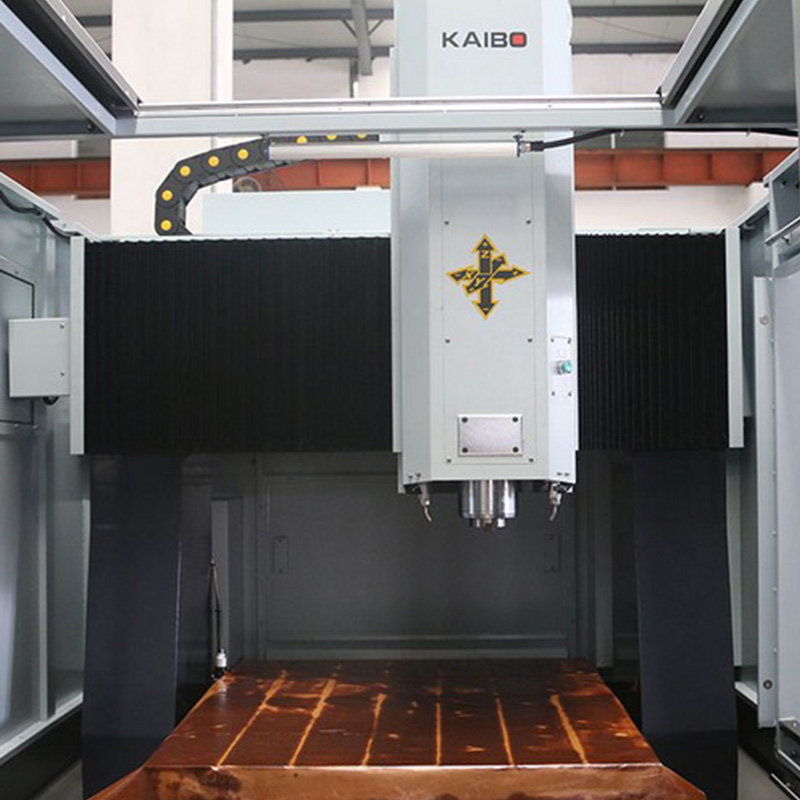
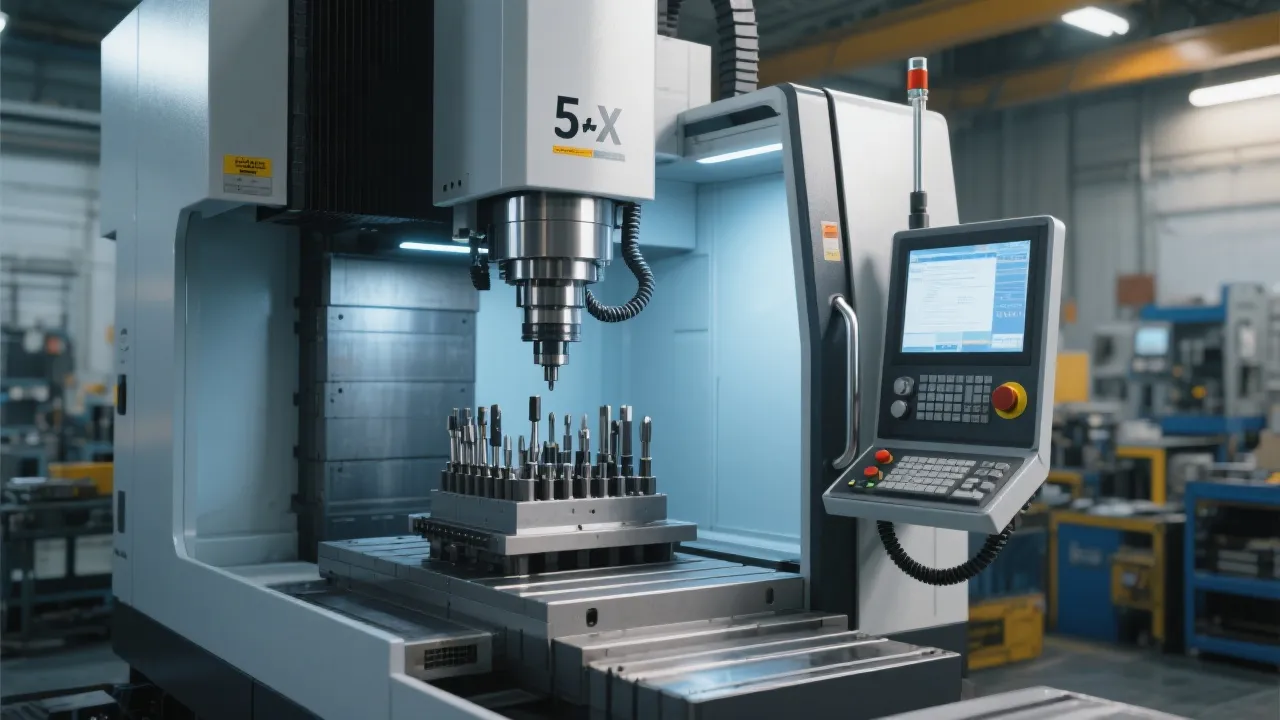
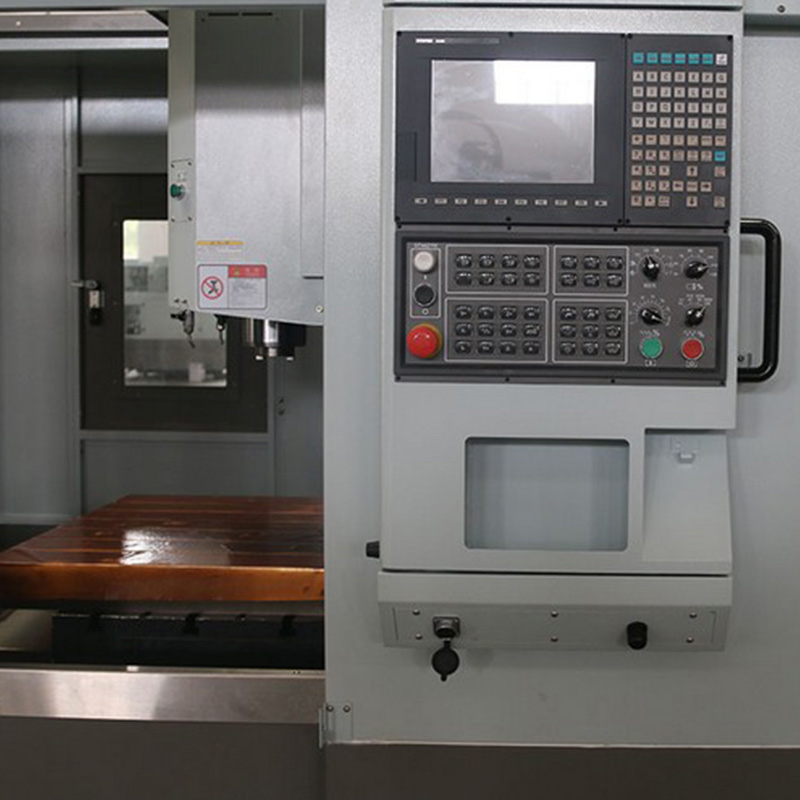
Take a moment to familiarize yourself with the DC1090A's control panel. Locate the emergency stop button (typically red and mushroom-shaped), axis control joystick, mode selection switches, and program input keypad. These components are your primary interface with the machine. Practice navigating between manual and automatic modes a few times before proceeding—muscle memory here will save you time and prevent errors later.
G-code is the language CNC machines understand, and while it might seem complex, you can accomplish 80% of basic tasks with just 20% of the available commands. Start with these fundamental codes that every DC1090A operator should memorize:
G00 - Rapid positioning (moves quickly without cutting)
G01 - Linear interpolation (controlled cutting movement)
G02/G03 - Circular interpolation (clockwise/counterclockwise arcs)
G28 - Return to home position
M03/M05 - Spindle start/stop
F - Feed rate specification
S - Spindle speed specification
When writing your first program, start simple. A basic facing operation might look like this:
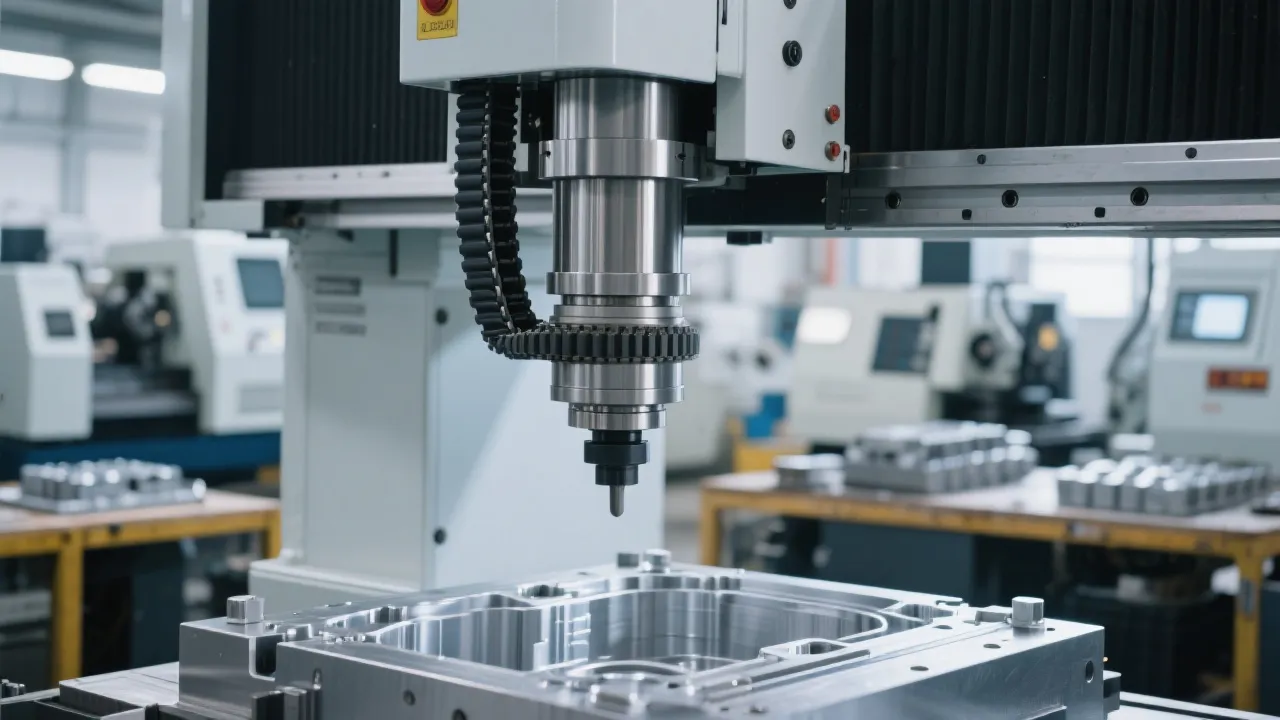
Proper tool setting directly impacts part accuracy. The DC1090A features a tool length setter that simplifies this process, but you still need to understand the fundamentals. Begin by mounting your tool securely in the BT40 spindle—hand-tighten first, then use the tool holder wrench to lock it in place. Never over-tighten, as this can damage the spindle taper.
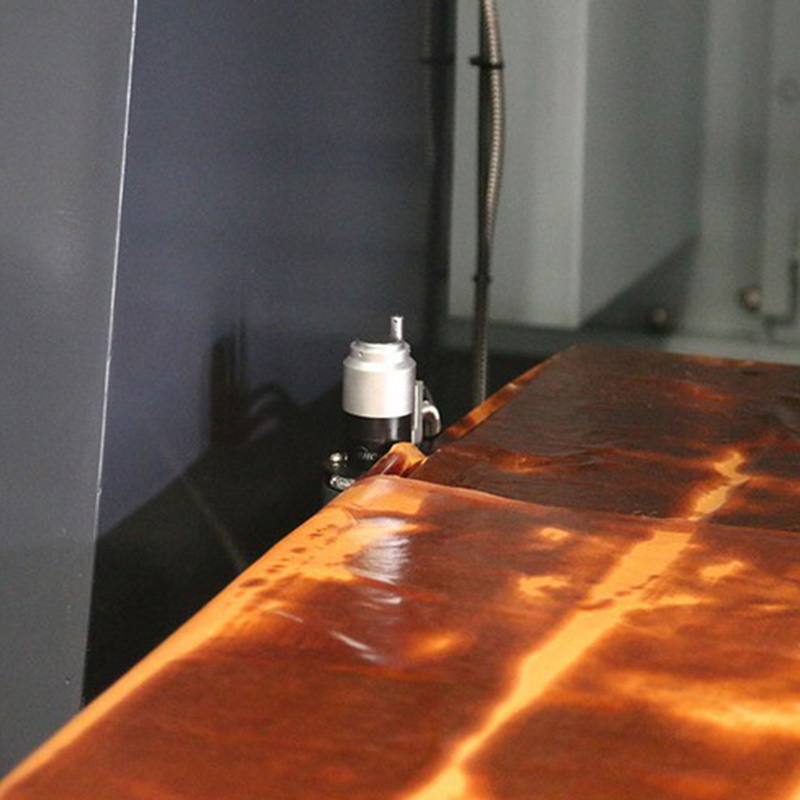
For work offsets, most operators use the G54 coordinate system as their primary reference. After securing your workpiece, jog the machine until the tool tip touches the top surface of your material. Record this position in the G54 offset register—this becomes your Z-axis zero point. Repeat the process for X and Y axes using edge finders or touch probes for precision.
Even experienced operators encounter problems. Here's how to diagnose and resolve the most frequent issues new DC1090A users face:
If your parts are consistently shifting in one direction, double-check your work offset values. 72% of positioning errors stem from incorrect G54-G59 settings rather than mechanical issues. Verify that your X, Y, and Z offsets match your setup sheet, and confirm that you're using the correct coordinate system in your program.
When cuts are deeper or shallower than programmed, tool length compensation is usually the culprit. Check that you've entered the correct tool lengths in the offset table. A quick test: run a single pass on a scrap piece and measure the actual depth against the programmed value—the difference will tell you how much to adjust your compensation value.
As you gain confidence with the DC1090A, focus on these efficiency strategies used by experienced operators: group similar operations to minimize tool changes, use subprograms for repetitive features, and take advantage of canned cycles for common operations like drilling and pocketing. These techniques can reduce cycle times by 15-20% on average.
Regular maintenance is equally important for consistent performance. Develop a habit of cleaning chips from the work area after each job, checking lubrication levels daily, and inspecting tool condition before each use. A well-maintained machine experiences 35% fewer unexpected downtime incidents.
As the national standard setter for CNC engraving and milling machines, 凯博数控's DC1090A training system has helped over 500 companies worldwide reduce training time by 40% and increase machine utilization by 25%.
Access Your Free DC1090A Operation GuideRemember that becoming proficient with CNC machinery is a journey. Start with the fundamentals covered here, practice consistently, and don't hesitate to consult your machine manual or reach out to technical support when facing new challenges. The skills you're developing are in high demand—manufacturing employers report that qualified CNC operators command salaries 18% higher than the manufacturing average.