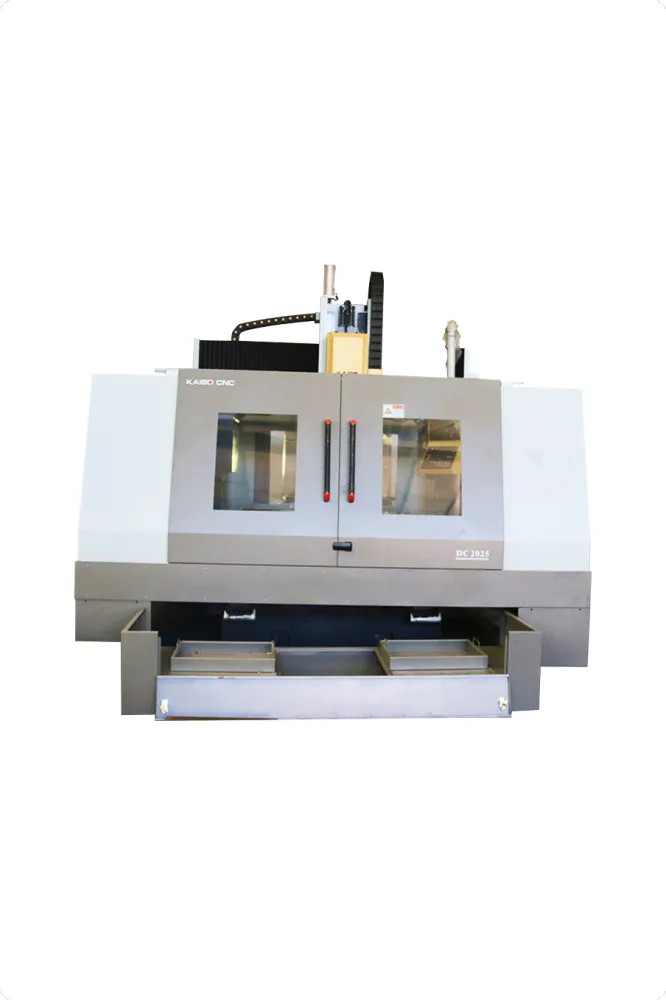
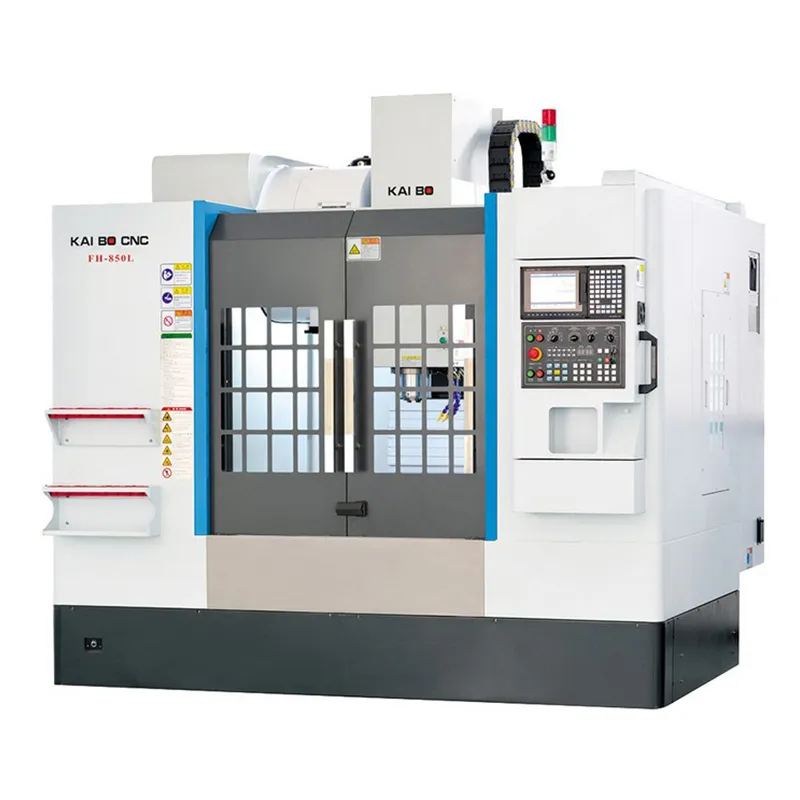
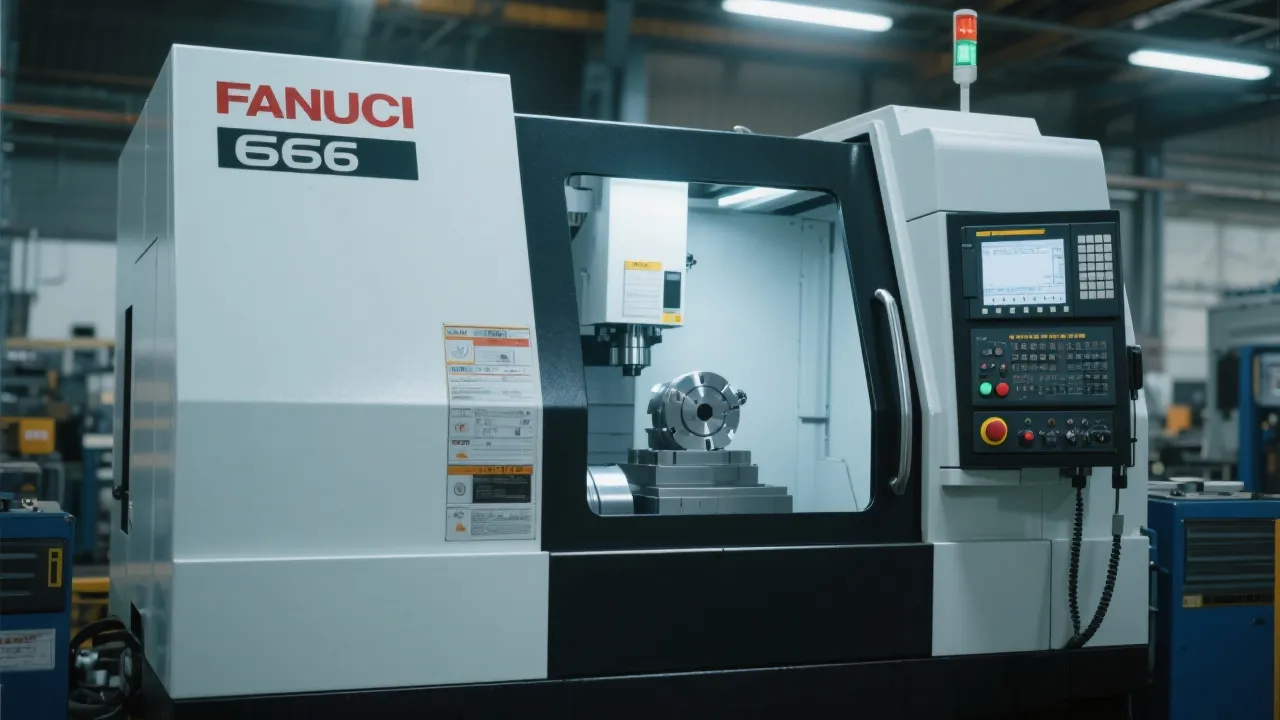
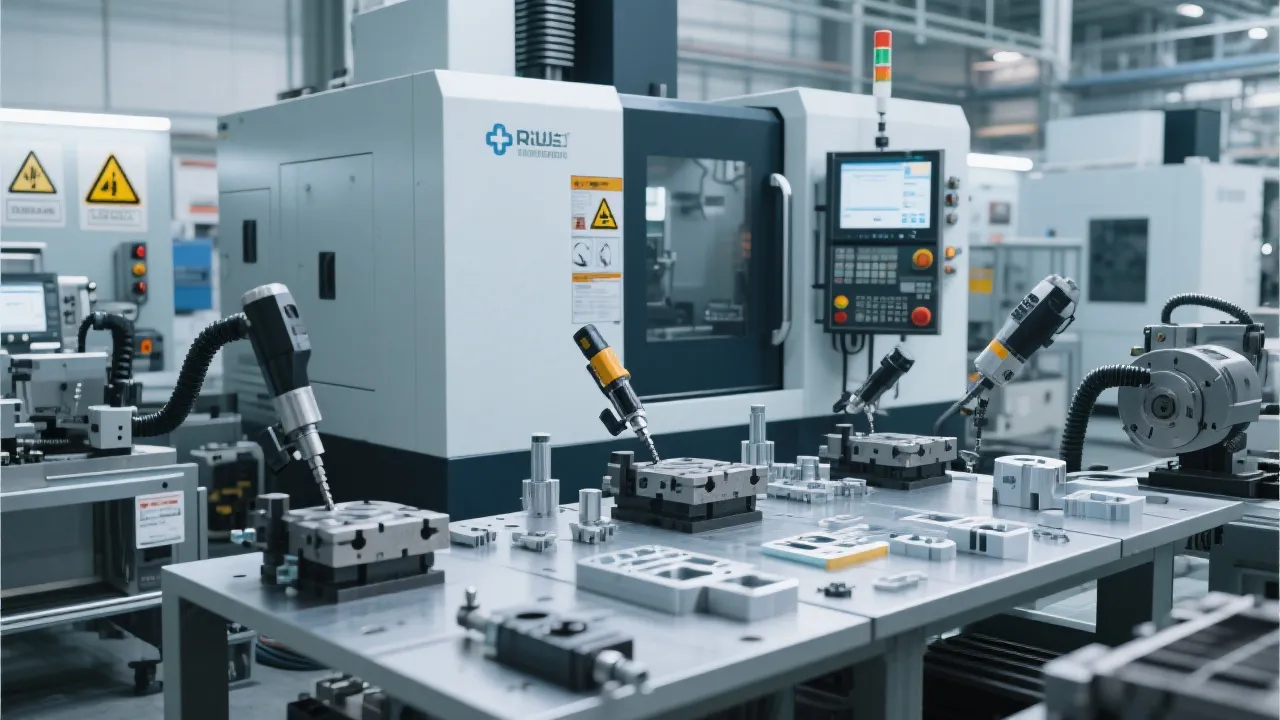
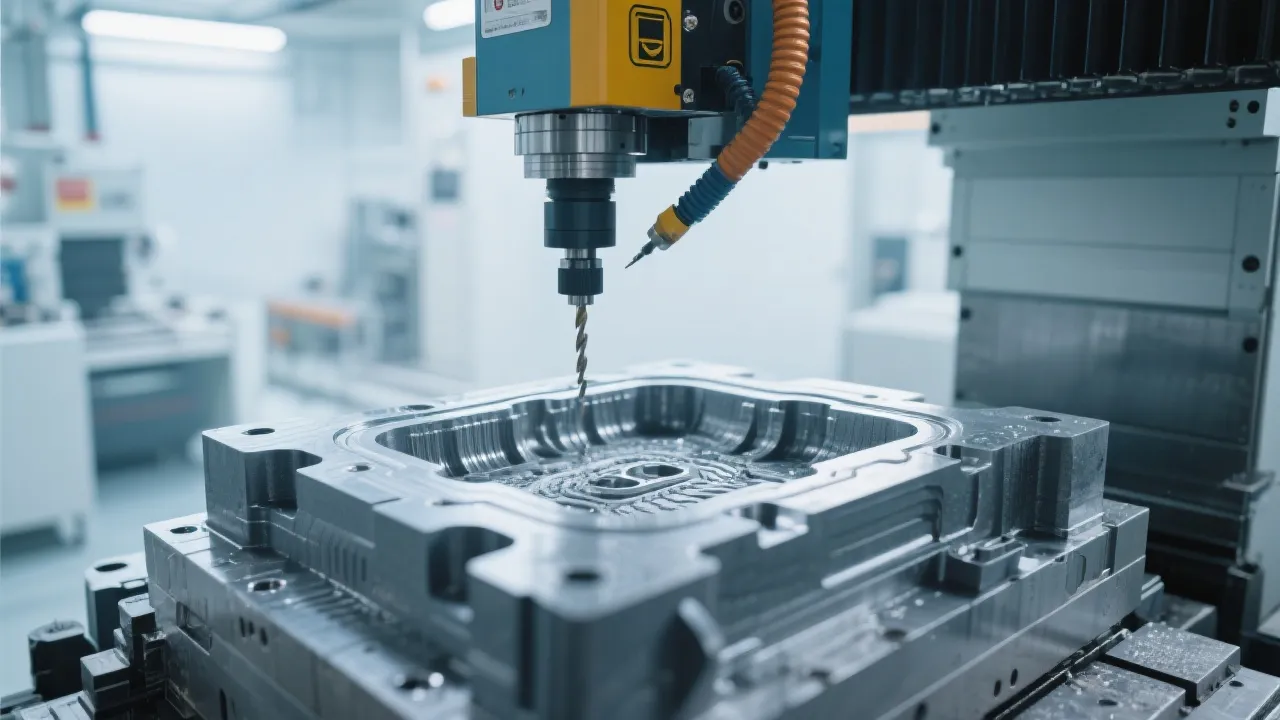
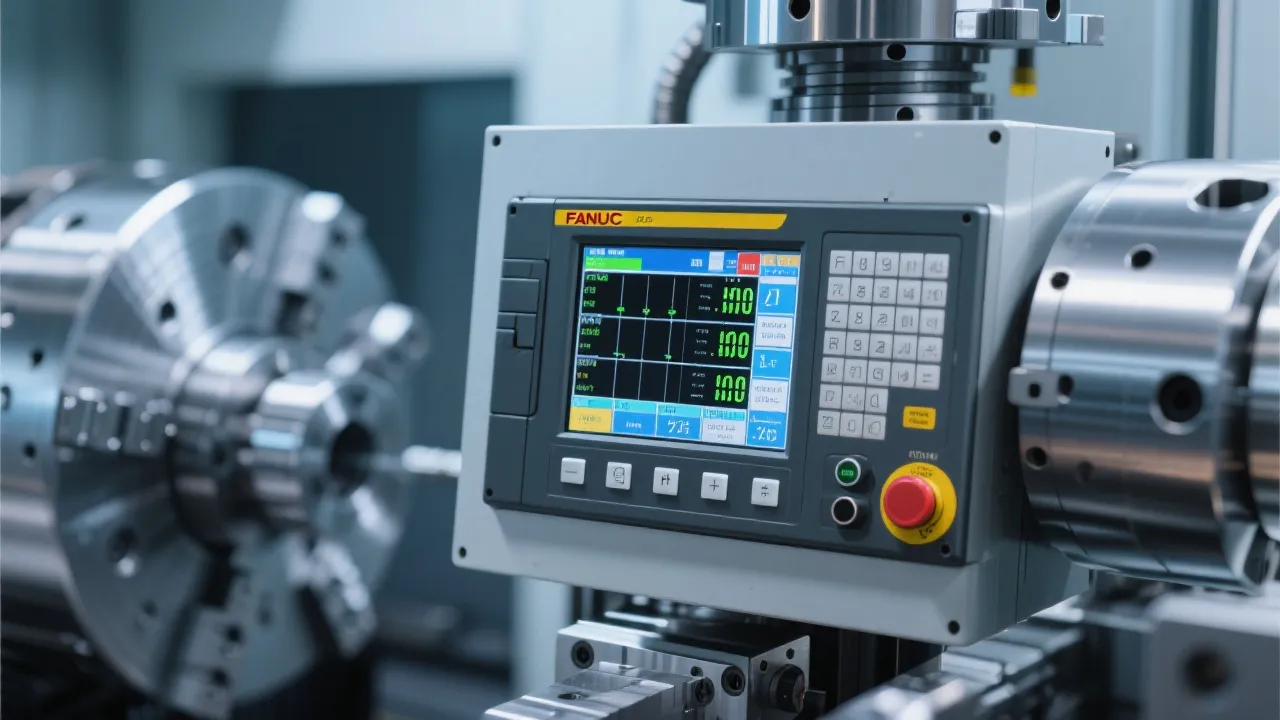
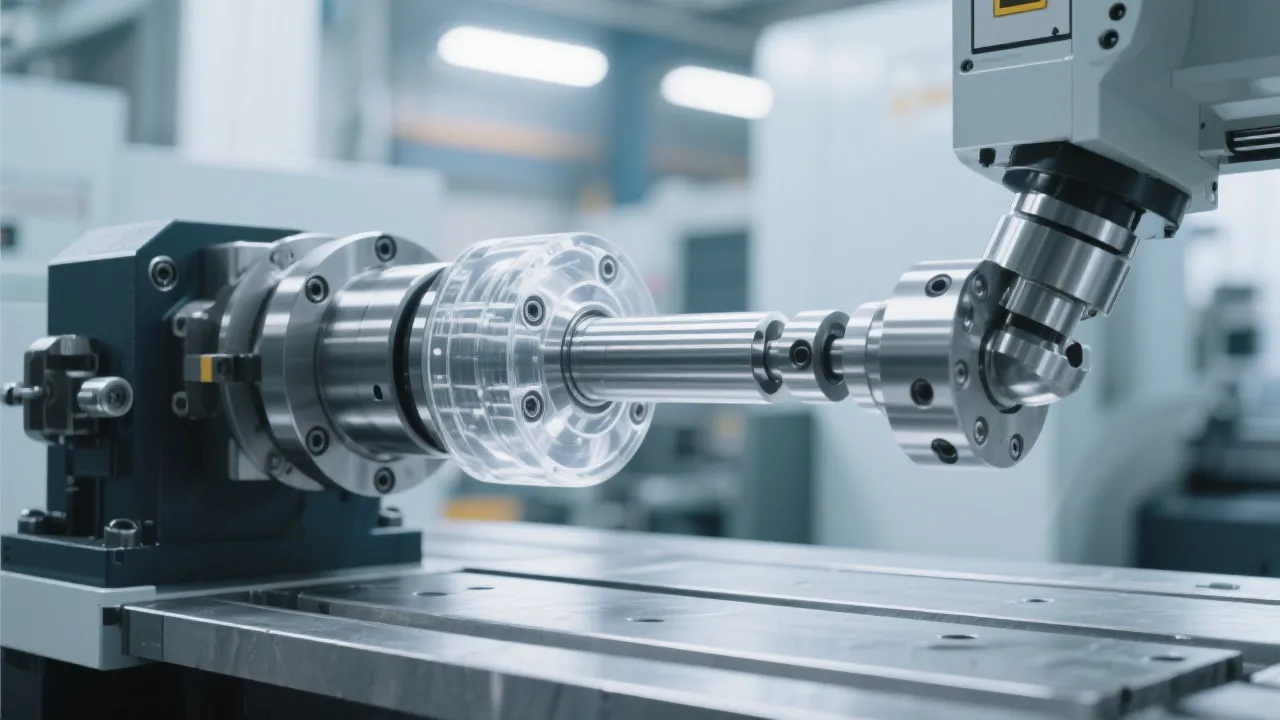
If you're operating a five-axis shoe last CNC mill like the Kaibao DC6070, understanding how to program and operate its high-speed Syntec controller isn’t just helpful—it’s essential for reducing downtime, improving surface finish, and boosting productivity.
The Syntec control system is more than just a software interface—it’s your command center for precision machining. According to industry benchmarks, machines using optimized Syntec programming see up to 25% faster cycle times compared to those with manual or poorly structured G-code.
💡 Expert Tip: Always calibrate tool offsets before starting a new job—this simple step can prevent over 60% of common dimensional errors in shoe last production.
Start by navigating the Syntec menu: go to Program → Edit → New. Use G00 for rapid movement, G01 for linear cutting, and G02/G03 for arcs—these are the core commands used in 90% of shoe last operations.
Example snippet for a basic sole profile:
G00 X0 Y0 Z5
G01 Z-2 F100
G02 X10 Y10 I5 J0
G00 Z5
Based on feedback from over 150 users across Europe and Southeast Asia, here's what works best:
Many operators make these errors:
Check if the tool number matches the actual tool loaded in the turret. If it doesn't, reassign the tool via the Tool Table function in Syntec.
First, check the alarm log—most issues are related to coolant flow, spindle overload, or incorrect G-code syntax. Refer to the troubleshooting guide in the user manual or contact support.
We regularly update our tutorials based on real-world feedback from customers in Germany, UAE, and Vietnam. Join our community to get free access to video walkthroughs, downloadable cheat sheets, and live Q&A sessions every month.
Discover why thousands of shoe manufacturers trust Kaibao’s DC6070 with Syntec controller—advanced automation, reliable performance, and expert-backed support.
Explore DC6070 Features & Support Services