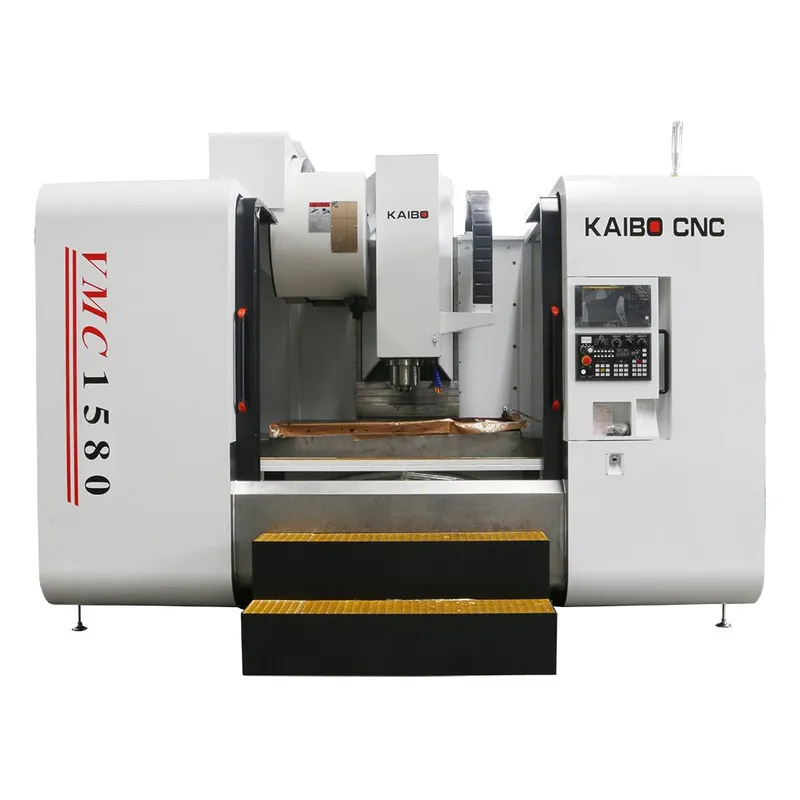
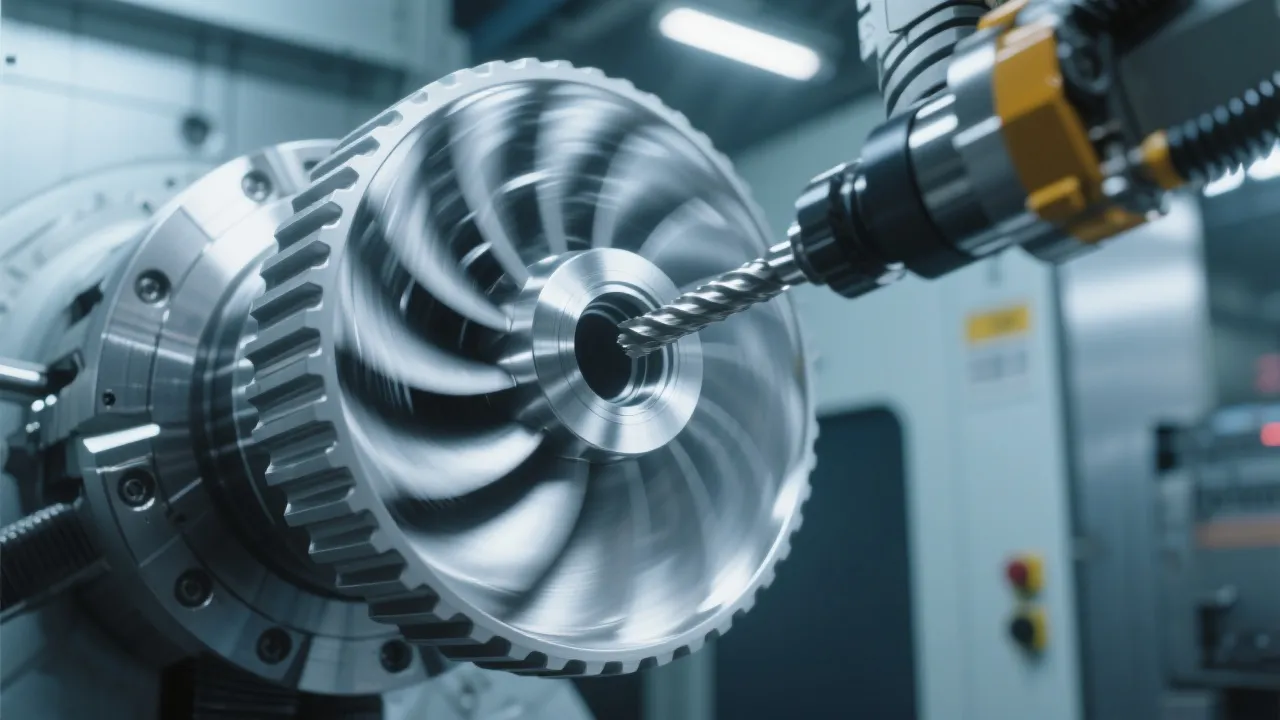
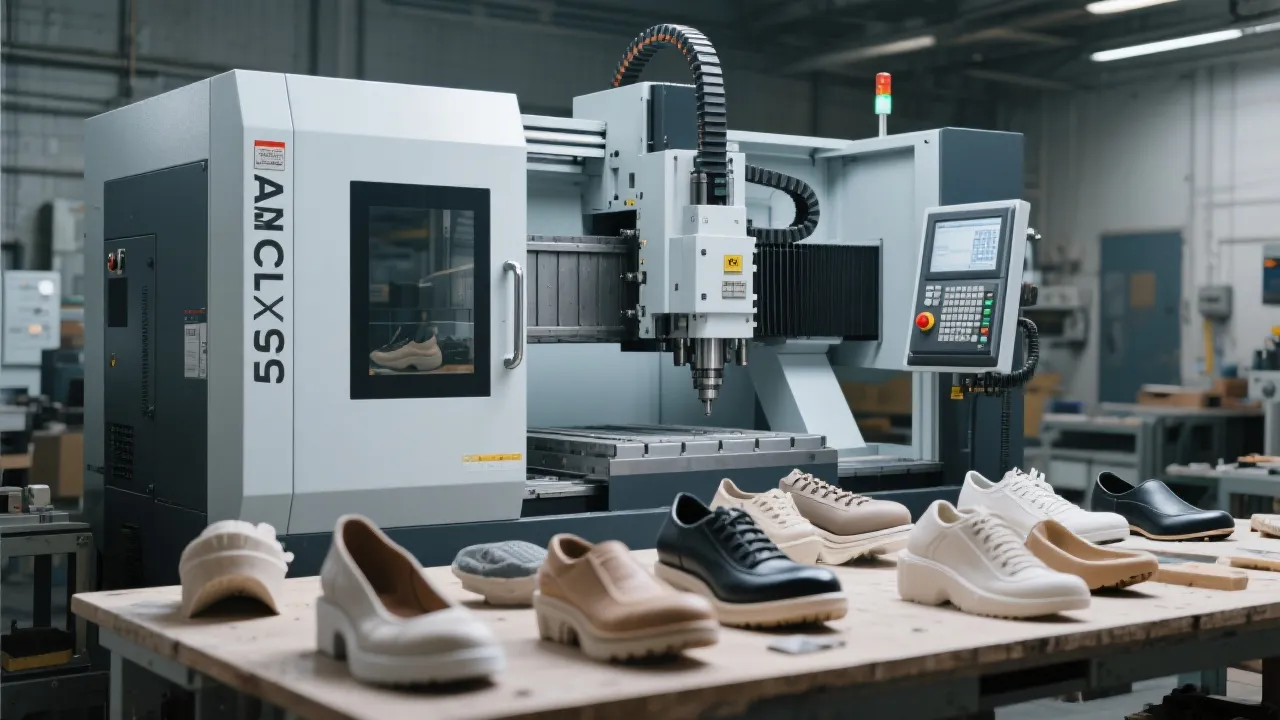
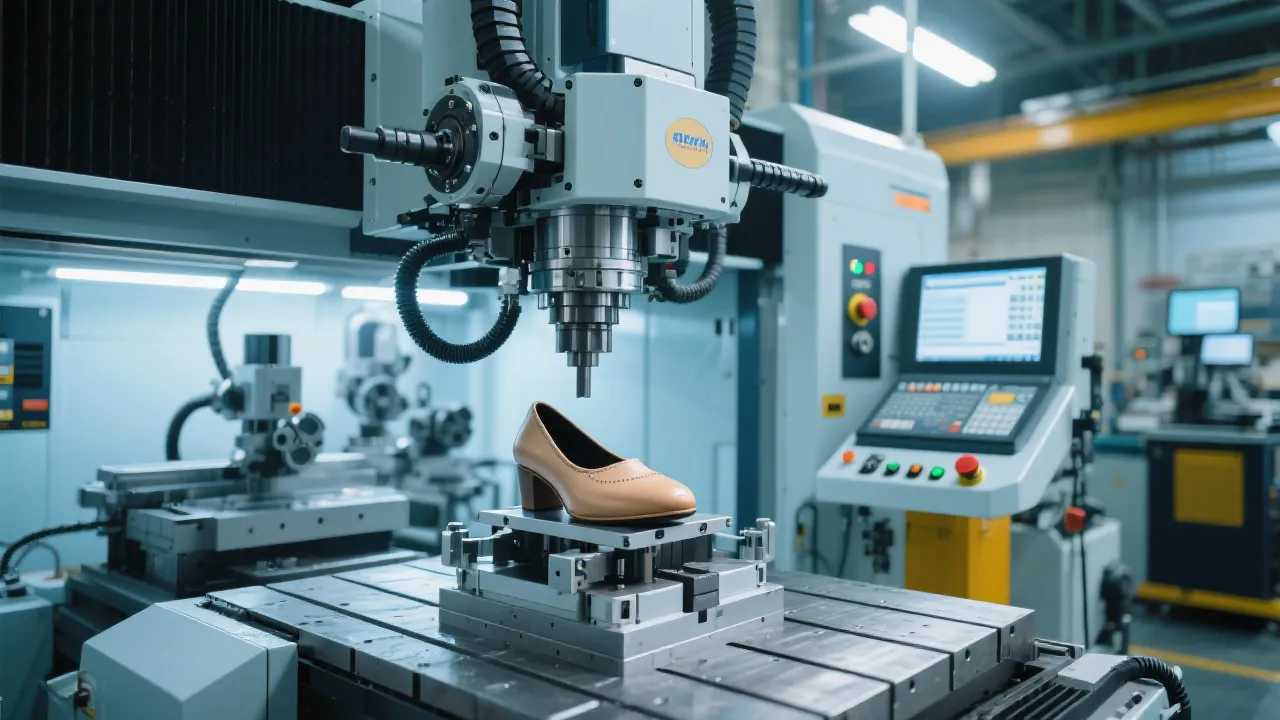
You're not alone if you’ve spent hours trying to get your DC6070 shoe last CNC mill running smoothly with the Syntec controller. Whether you're new to five-axis machining or looking to optimize existing programs, this guide will walk you through real-world workflows—no fluff, just actionable steps.
With over 70% of high-volume shoe manufacturers now using multi-axis CNC systems, understanding your controller’s capabilities is no longer optional—it’s essential. The Syntec controller offers precise toolpath execution and real-time feedback that can reduce scrap rates by up to 25%, especially when programming complex curves like those found in athletic footwear lasts.
| Parameter | Low Setting (Recommended for Beginners) | High Setting (For Experienced Users) |
|---|---|---|
| Feed Rate (mm/min) | 800 | 1500 |
| Spindle Speed (RPM) | 3000 | 6000 |
| Surface Finish Quality | Slight Tool Marks | Mirror-Like Finish |
“Start slow—especially with your first few parts. It’s better to spend an extra 10 minutes setting parameters correctly than to waste a whole batch.” — Zhang Wei, Senior CNC Engineer at Shenzhen Kebo Tech
Operators often overlook simple issues like incorrect G-code syntax or improper tool offset values, which can lead to surface defects or even machine crashes. For example, forgetting to include a G41 (tool radius compensation) command before milling can cause dimensional errors as large as ±0.3 mm—enough to reject an entire production run.
If you’re seeing unexpected vibrations or chatter during cutting, check these three things first:
Once you’ve internalized the basics, try creating a basic shoe last profile from scratch—start with a simple midsole shape. Then, gradually increase complexity by adding undercuts and compound angles. This hands-on approach builds muscle memory and confidence faster than any theory session.
Remember: mastery doesn’t happen overnight—but with consistent practice and smart parameter tuning, you’ll soon see measurable improvements in both productivity and part quality.